Example scenario: your card is in your wallet, you haven’t lost it, and you haven’t shopped anywhere new. Then your banking app shows a $1.00 charge from a merchant you don’t recognize, followed an hour later by a $430 order from an electronics store in another state. Nobody touched your physical card. Someone only needed the numbers printed on it.
That is card-not-present fraud, often shortened to CNP fraud: someone uses your card details for a purchase where the card itself is never shown, usually online, by phone or through an app. It has become the main form of card fraud for online shoppers because chip cards made in-store copying much harder. This guide explains how card-not-present fraud works, the warning signs, and a practical checklist to reduce your risk.
What card-not-present fraud is
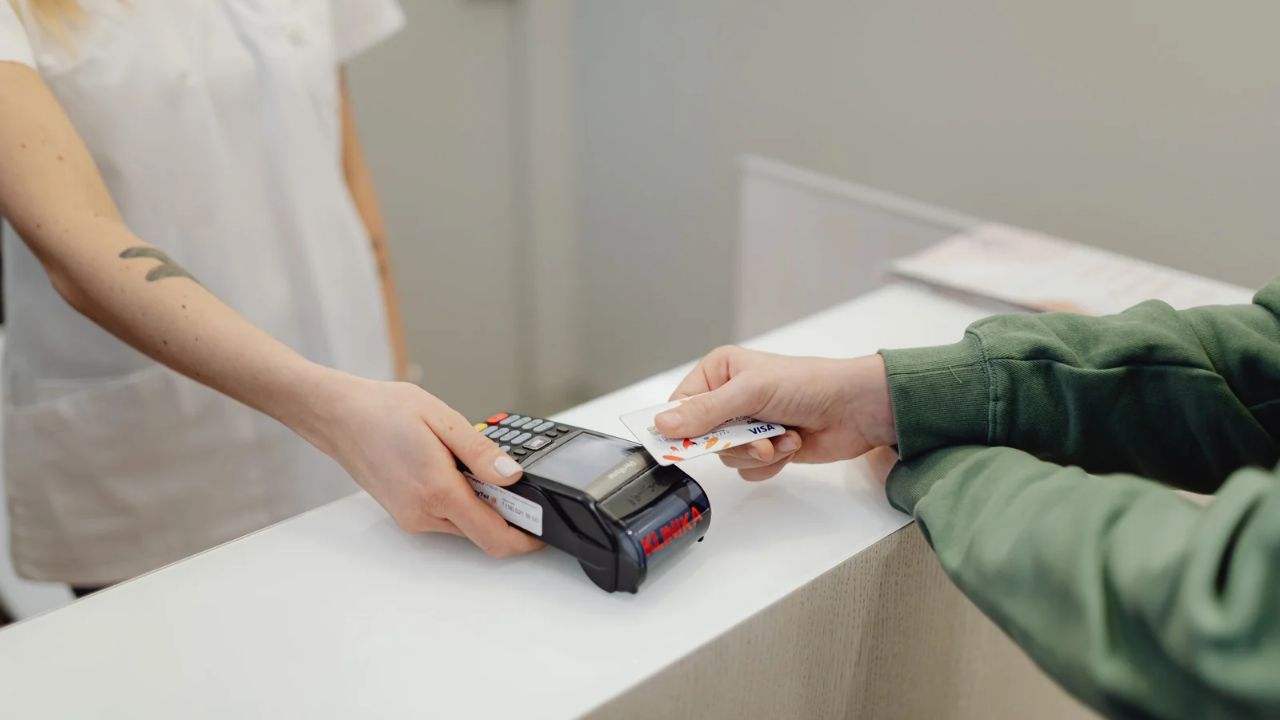
A “card-present” payment is one where the card is physically tapped, inserted or swiped. The chip creates a unique code for each payment, which makes stolen data hard to reuse. A “card-not-present” payment relies on details you type: the card number, expiry date, security code and often your name and billing address. If a criminal has those details, the merchant may have no way to know it isn’t you.
How card details get stolen
- Merchant data breaches. A store that saves your card can leak it if its systems are hacked.
- Checkout skimming. Malicious code injected into a real store’s checkout page copies what you type, while the purchase completes normally.
- Phishing. Fake delivery, bank or streaming messages lead to lookalike pages that ask for card details.
- Fake shops. Sites set up to collect card details, often advertised with prices that look too good.
- Malware. Spyware or malicious browser extensions on your device capture what you type.
- Card testing. Criminals try generated or bought numbers with tiny charges to see which ones work, then use the live ones for bigger purchases.
Warning signs to watch for
- Small charges, often under a dollar or two, from merchants you don’t know. These can be tests before a larger fraud.
- Verification codes you didn’t request arriving by text.
- Order confirmation or shipping emails for things you didn’t buy.
- Your card suddenly declined at a merchant where it usually works, which can mean your bank has spotted something.
- Notices from a store that it has had a security incident.
How 3D Secure helps, and where it stops
Card networks run authentication programs under the 3D Secure standard: Visa Secure, Mastercard Identity Check and American Express SafeKey. When a purchase looks unusual, your bank may ask you to confirm with a one-time code, an app prompt or biometrics. Visa’s page on secure online shopping explains that most purchases pass without a visible step and that the check is not applied to every transaction. Visa also says plainly that not all fraud can be prevented.
The practical lessons: never share a verification code with anyone who contacts you, and treat a code you didn’t ask for as a sign that someone has your card details. 3D Secure stops many fraudulent attempts, but it cannot stop you from approving a payment on a scam site.
Prevention checklist for online shoppers
- Limit where your card is saved. Store it only with merchants you use often and trust. Untick “save card” for one-off purchases.
- Use a wallet when it’s offered. Apple Pay and Google Pay give the merchant a token instead of your real card number.
- Type store addresses yourself. Don’t reach checkout pages from links in texts or emails.
- Check the shop before paying. Look for a real contact address, a returns policy and reviews on independent sites. Very low prices on popular items are a red flag.
- Turn on transaction alerts. A notification for every charge lets you catch tests before larger fraud.
- Keep devices clean. Update your system and browser, and remove extensions you don’t recognize.
- Use a separate card for risky purchases. New shops, marketplaces and one-off sellers can go on a card that isn’t linked to your main account.
- Secure your shopping accounts. Unique passwords and two-factor sign-in stop criminals from using cards saved in your accounts.
Which card to use where
| Purchase type | Suggested card | Why |
|---|---|---|
| Large purchase from a known retailer | Credit card | Dispute rights and your cash isn’t touched while a claim is open |
| Regular shopping in an app with a wallet | Apple Pay or Google Pay | Merchant receives a token, not your card number |
| New or small online shop, one-off purchase | Separate prepaid card | A stolen number can only take the remaining balance |
| Subscriptions | Separate card with a limited balance | Contains forgotten renewals and breaches at the service |
| Rent, utilities, insurance | Main bank account | Paid directly to trusted providers, not saved across shops |
A separate prepaid card for risky one-offs
The idea behind checklist item seven is simple: some purchases carry more risk than others, so keep them away from your main money. A prepaid card holds only what you load on it, so if a small shop’s checkout is compromised, the attacker gets a card with a limited balance and no link to your bank account.
Vizovcc is one example. It sells prepaid virtual cards funded with crypto from an account balance, and each card holds a fixed loaded amount, so a charge above that balance is declined. Every Vizovcc card supports 3D Secure, card pages show Apple Pay and Google Pay compatibility, and you can freeze or unfreeze a card from the dashboard if a charge looks wrong. Its page on paying online with a prepaid Visa or Mastercard covers buying a card and what to do if a payment is declined.
Know the trade-offs before you rely on this. Vizovcc does not offer single-use numbers, merchant locks or spending limits you set, so keep the balance on your “one-off” card modest. Prepaid cards may not carry the same dispute or zero-liability protections as credit cards; Visa, for example, notes that its Zero Liability policy does not cover anonymous prepaid card transactions. Some merchants decline prepaid cards, and Vizovcc card purchases are final.
What to do if you spot CNP fraud
- Freeze or lock the card in your banking app straight away.
- Call your card issuer using the number on the card or in the official app, and report each unauthorized charge.
- Ask for a replacement card number. The old one is compromised even if the card is in your hand.
- Update the card on the trusted services that should keep charging you.
- Change passwords on shopping accounts that stored the card, and turn on two-factor sign-in.
- Watch your next statements for further tests or charges.
Frequently asked questions
Am I liable for card-not-present fraud?
It depends on your card type, your country and how quickly you report it. Credit cards generally offer strong protections. Debit and prepaid cards vary, so read your issuer’s terms.
Why did I get a tiny charge from an unknown merchant?
It may be card testing. Report it to your issuer even if the amount is small.
Is it safe to save my card in my browser?
Browser storage is usually encrypted, but anyone with access to your unlocked device or browser profile may be able to use it. Protect the device with a passcode and keep the list of saved cards short.
Key takeaways
- Card-not-present fraud only needs your card details, not your card.
- Breaches, checkout skimming, phishing and fake shops are the main ways details leak.
- 3D Secure blocks many attempts but cannot stop a payment you approve.
- Alerts, wallets and fewer saved cards lower your risk.
- A separate prepaid card limits what a stolen number from a risky purchase can take.
Turn on transaction alerts today and remove your main card from shops you no longer use. For risky one-off purchases, you can compare prepaid virtual cards on Vizovcc and pick one with a balance that suits how you shop.
Leave a Reply